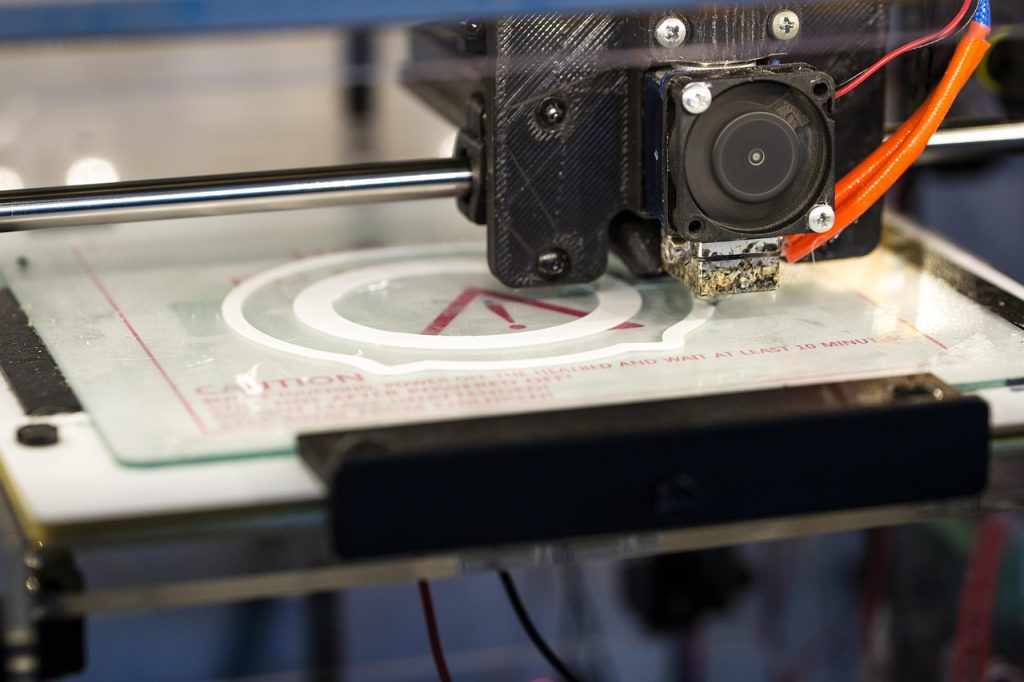
Polycarbonate 3D printing requires a compatible printer, dry filament and grade-specific process validation before approving functional parts.
¿Qué es el filamento de policarbonato (PC)?
PC filament 3D printing is worth considering for rigid functional parts when the actual grade offers the required impact and heat performance. First compare its processing window, moisture control and printed-part data with the equipment available.
Do not apply bulk-polycarbonate glazing figures or molded test-bar values directly to a printed part. PC filaments include different blends and filled formulations, and print direction, voids and finishing affect the result. A translucent FFF print is not equivalent to optical glazing or a certified safety component. See the engineering printer guide when checking hardware compatibility.
Separate unfilled PC, PC-ABS and filled PC grades in the material review. Ask which exact formulation was tested, whether results are for printed specimens, and how the specimens were oriented and conditioned.
For a sourcing review, provide the current grade or target properties, drawing, quantity and acceptance conditions. Confirm the offered filament or manufacturing route in the quotation rather than assuming every PC variant is available.
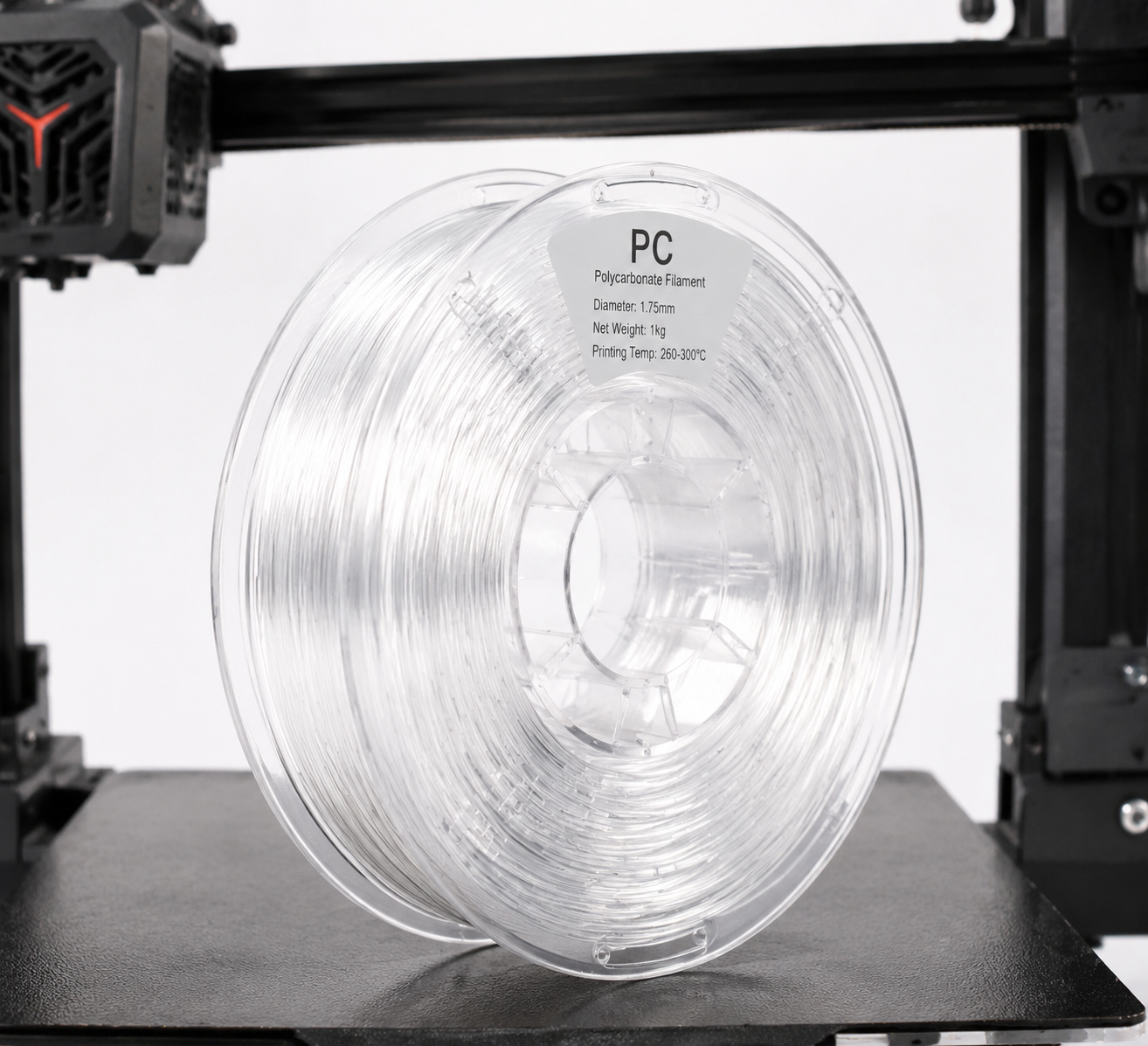
Resumen de las propiedades del filamento de PC
| Propiedad | Qué comparar | Why a generic number can mislead |
|---|---|---|
| Strength and impact | Exact-grade printed data with direction, conditioning and test method | Molded-bar and glazing claims do not establish FFF strength |
| Heat performance | HDT test load, conditioning and the real service load | Tg and HDT are different measurements; neither alone is a service-temperature guarantee |
| Translucency | Representative print with intended thickness and finish | Layer interfaces and voids scatter light |
| Environmental resistance | Chemical and UV evidence for the formulation and exposure | PC blends and additives change performance |
| Fit | Inspection after the intended exposure and finishing | Thermal history, build orientation and moisture affect dimensions |
Keep the supplier’s test document with the quoted grade and build specification. Avoid comparing values obtained with different notch geometry, units or print directions as though they were one ranking.
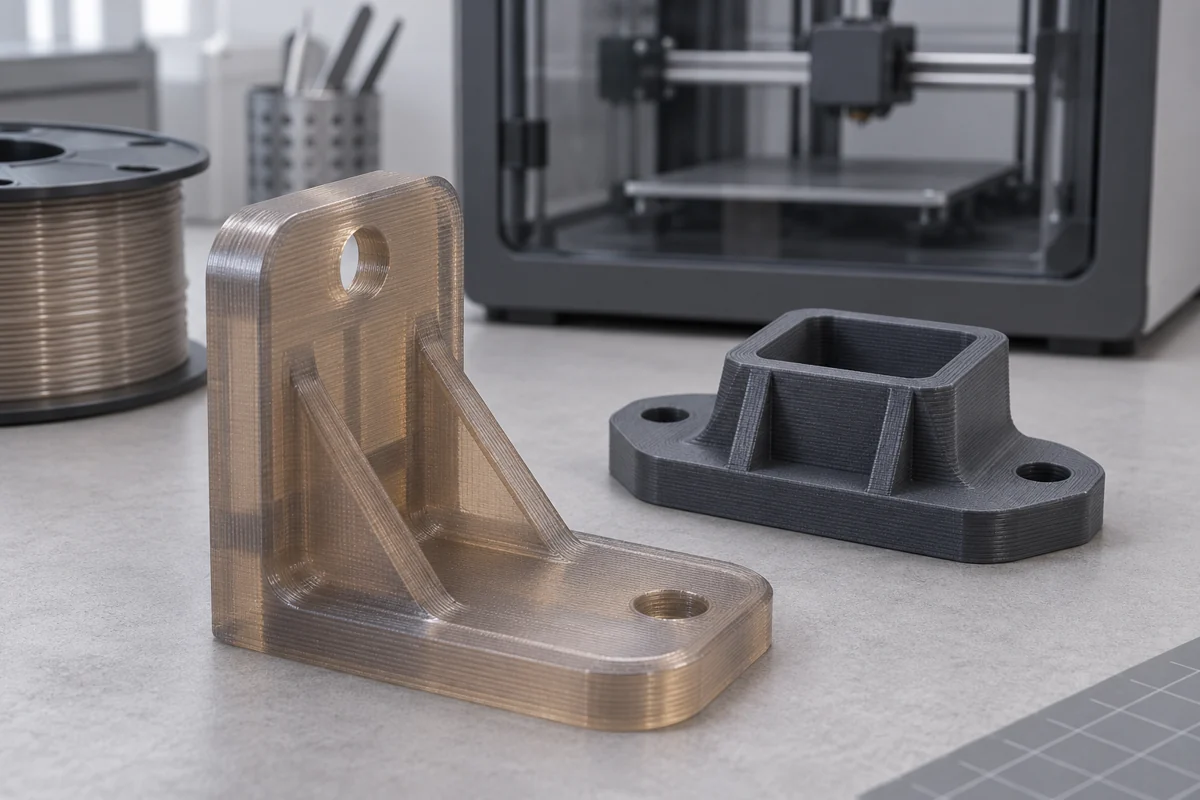
Especificaciones necesarias de la impresora para el filamento para PC
Match the printer to the complete filament profile. A hotend upgrade alone does not establish bed, chamber, extrusion or electrical suitability.
| Comprobar | Ask before printing |
|---|---|
| Hotend and nozzle | Does the manufacturer rate the complete assembly for the selected grade and temperature? |
| Build plate and release system | Which sheet, adhesive or release treatment is supported by both suppliers? |
| Anexo | Can the approved enclosure maintain the required conditions without exceeding the machine’s component ratings? |
| Filled grades | Which wear-resistant nozzle, feed path and diameter are required for this filament? |
| Secado | Can the dryer and spool withstand the supplier’s drying profile? |
Use a purpose-designed enclosure and the equipment maker’s installation guidance. A cardboard cover is not a substitute for a qualified printer enclosure. For thermal setup, use the grade-specific settings below together with the actual grade instructions.
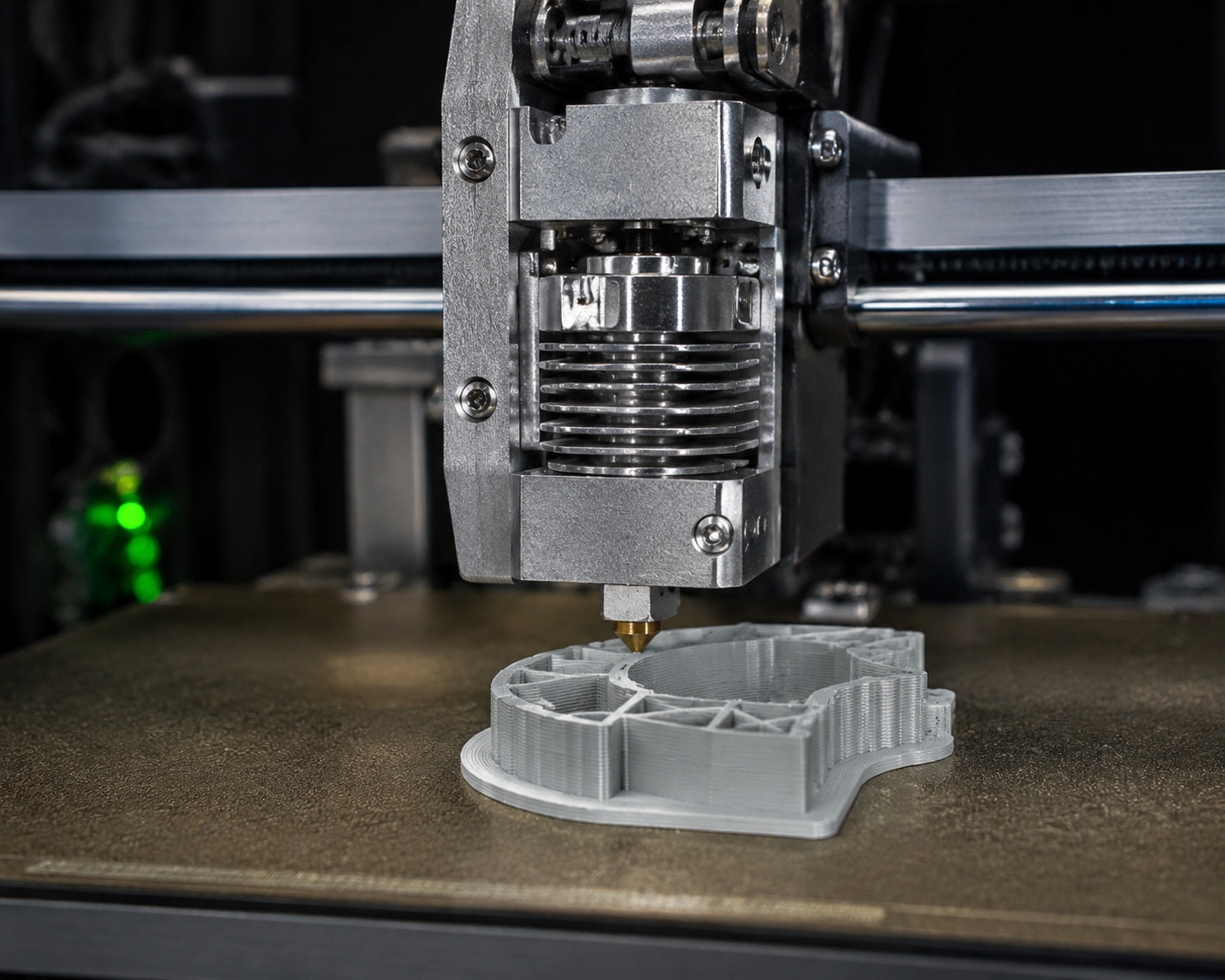
PC Filament Print Settings: A Practical Guide
Start from the filament manufacturer’s current profile, not a single temperature recipe for all PC. As a named example, the PolyMax PC printing guide specifies a 250–270°C nozzle window. This is an example for that product, not a profile for every PC or PC-CF formulation.
Qualify a Representative Build
- Record the filament grade, lot, drying history, nozzle and build surface.
- Use the supported profile and tune one variable at a time within both material and machine limits.
- Print the critical interface or representative geometry in the intended direction.
- Inspect it after cooling and any agreed conditioning; check assembly and load where relevant.
- Keep the accepted settings and sample revision with the quotation.
Set drying temperature and duration from the exact product instructions. Do not apply a nylon drying recipe, or a generic 80–100°C cycle, to every PC blend or spool. Prusa’s PC guidance explains why formulation and enclosure needs differ.
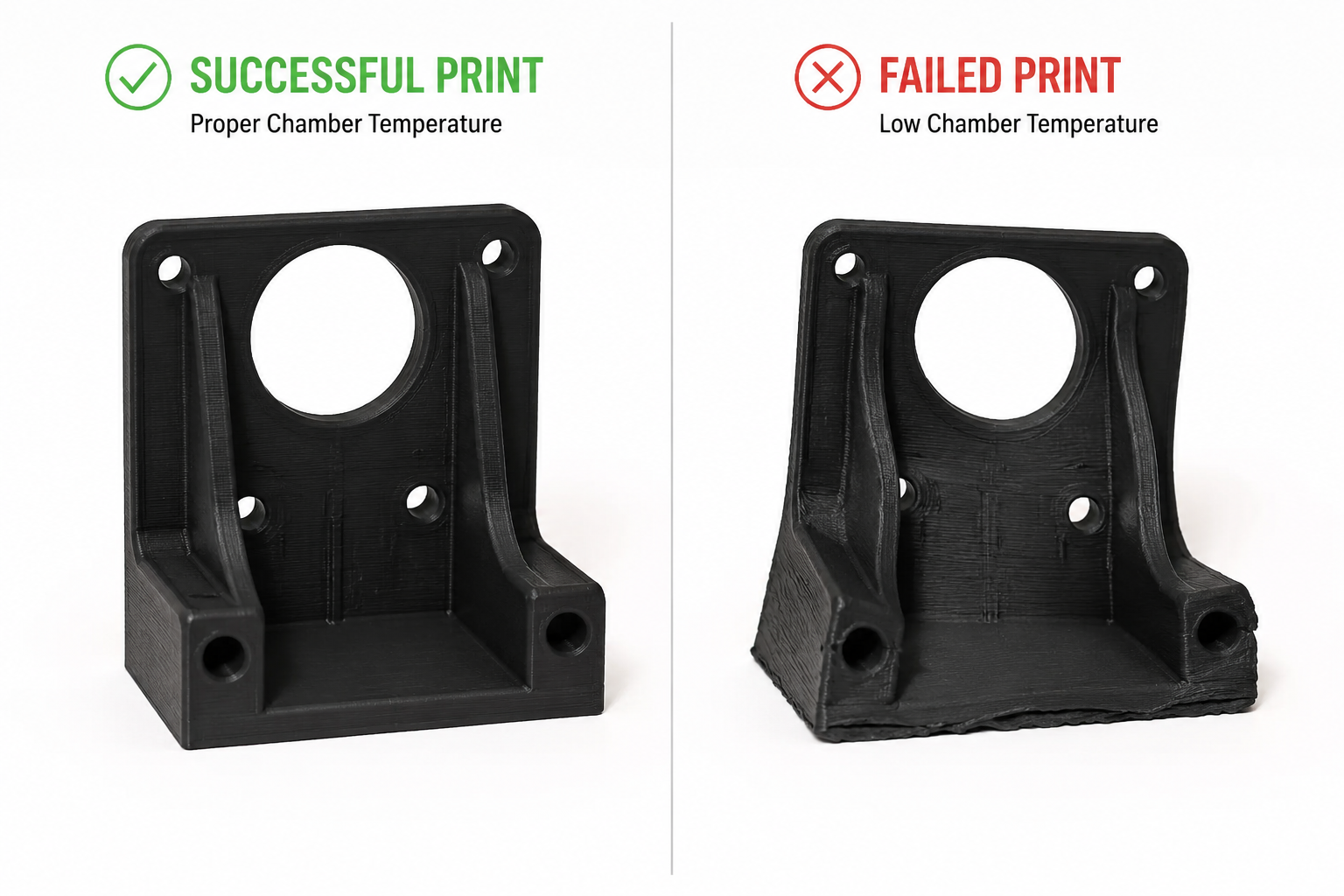
Common PC Filament Problems and Solutions
| Síntoma | Investigate first | Controlled next step |
|---|---|---|
| Corner lift | Bed preparation, geometry, drafts and supported temperature profile | Check the release/adhesion system and try a representative geometry within rated limits |
| Layer splitting | Moisture, extrusion, thermal history and load direction | Check the dry material and extrusion before changing cooling or heat settings |
| Bubbles or rough surfaces | Moisture, contamination and processing temperature | Follow the exact drying profile; confirm with a repeat sample |
| Encordar | Moisture, extrusion profile and retraction limits | Change one setting within the extruder maker’s limits and compare samples |
PC Filament Variants: PC-ABS, PC-CF, PC-GF, and More
| Variante | Selection question | Evidence needed |
|---|---|---|
| Unfilled PC or PC blend | Is impact performance or translucency the main requirement? | Printed-direction mechanical results and a representative appearance sample |
| PC-ABS | Does the particular blend meet processing and service requirements? | Exact blend’s TDS and current printer profile |
| PC-CF / PC-GF | Does reinforcement help the loaded geometry without unacceptable brittleness or wear? | Filler specification, abrasive-material hardware guidance and direction-dependent data |
| Other PC blends | Is this an available printable grade or only a molding compound? | Supplier confirmation of form, process and application-specific documentation |
Fiber content alone does not establish modulus, impact, price, conductivity or certification. An electrical, food-contact or safety requirement needs documentation covering the actual formulation and finished part.
PC vs Other High-Temperature Filaments: When Does PC Win?
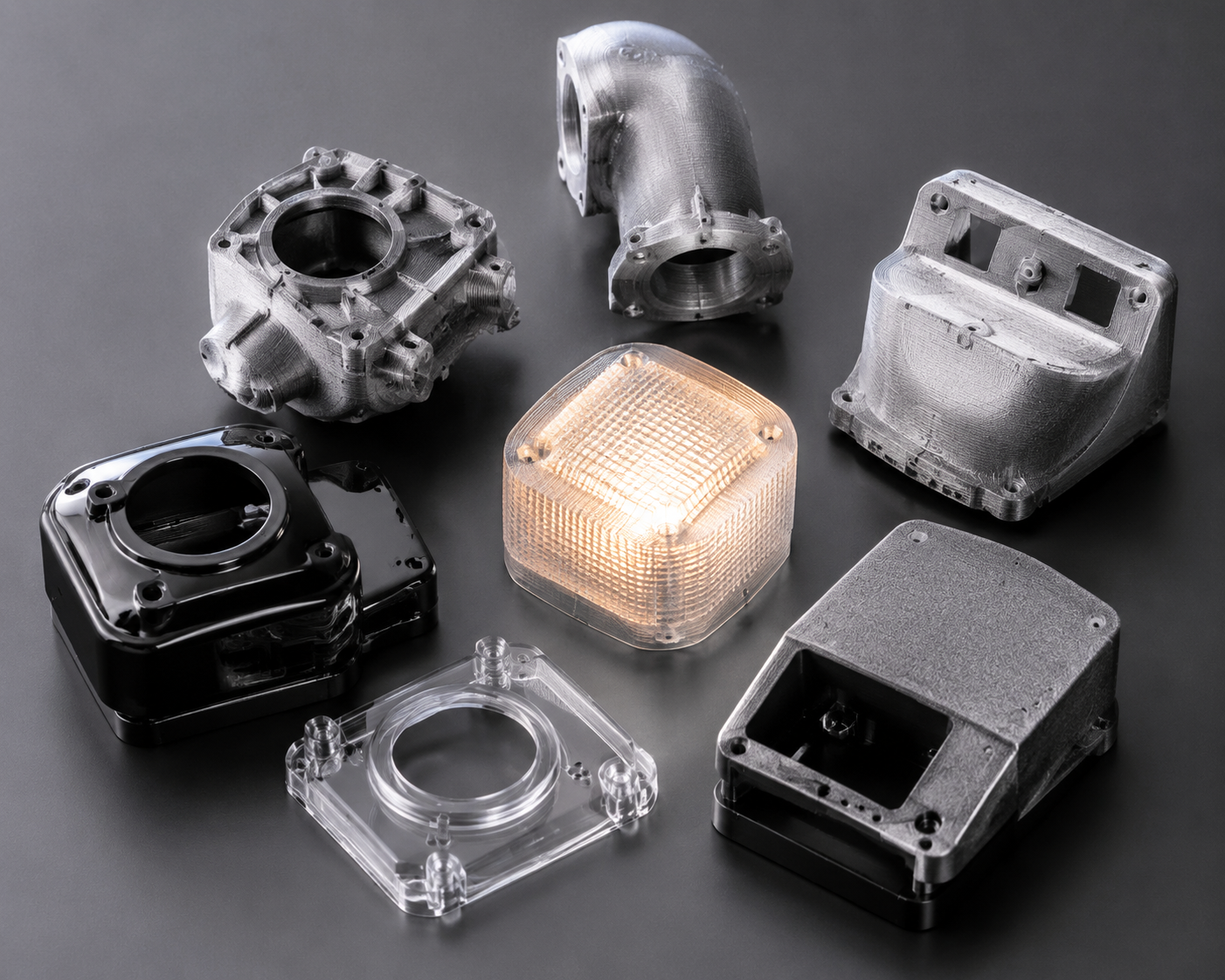
Choose among PC, ASA, nylon, PEI and PEEK by the required service behavior and a validated process. A higher nozzle temperature or purchase price is not evidence of better performance in the intended joint.
| Requisito | What to request |
|---|---|
| Heat under load | Test method, load and retained properties after exposure |
| Impact or flexing | Relevant impact/strain data in the loaded build direction |
| Outdoor or chemical exposure | Grade-specific aging and compatibility information |
| Clear appearance | Finished sample at the actual thickness; agree what translucent means |
| Cost and repeat production | Quoted material, support, finishing, inspection and rejected-build allowances |
Best PC Filament Brands in 2026
Use manufacturers’ current grade documents to build the shortlist instead of treating this as a tested brand ranking. Polymaker’s PolyMax PC guide y Prusa’s PC material guidance are starting points for their respective products. Other suppliers may offer suitable grades; confirm the current formulation, profile, packaging and available test evidence.
Ask the supplier to identify whether a quoted “PC-like” part is a PC thermoplastic print or a different resin chosen to resemble PC. These processes and material records are not interchangeable.
Safety Considerations When Printing PC Filament
Follow the filament SDS and the printer manufacturer’s ventilation, operating and maintenance guidance. Avoid ranking fumes as safer than another polymer without measurements. Enclosure filters do not by themselves establish exposure control.
- Use equipment rated for the selected process and keep its safety devices in place.
- Provide the ventilation or extraction required for the actual material and installation.
- Allow parts and the build surface to cool as directed before removal.
- Follow separate adhesive, coating and cleaning instructions when finishing the print.
Conclusion: Is PC Filament Right for Your 3D Printing Projects?
PC is a candidate when an exact available grade and a qualified build meet the part’s impact, heat and fit requirements. Confirm the equipment and material profile before ordering a production quantity.
For a part review, send the CAD or drawing, quantity, service load and temperature, critical interfaces, finish target and current material if known. Compare the 3D printing route with the intended production route and agree sample acceptance first. Discuss the PC part.
Special Techniques
Annealing PC Prints
Only use an annealing cycle that the exact filament supplier specifies. Allow for dimensional movement, measure critical fits afterward and validate the changed build. A generic 120°C treatment is not suitable for every PC blend.
Joining PC Parts
Choose a supported adhesive or qualified joining process for the grade, joint geometry and exposure. Solvent welding is not a general workshop recommendation. Trial the complete joint and follow the product safety and cure instructions.
Preguntas frecuentes
¿Puedo imprimir con filamento de PC en una Ender 3?
Identify the exact Ender model and hotend revision. Compare the complete printer’s ratings with the filament profile. A nozzle change alone is insufficient; do not assume an enclosure or electrical modification is safe or suitable without the equipment maker’s support.
¿Cómo evito que el filamento de PC se deforme?
Review geometry, drying, bed preparation and the supplier’s supported thermal profile. Compare a representative sample while changing one variable at a time within the machine’s ratings.
¿Hay que secar el filamento de PC antes de imprimir?
Use the current instructions for the exact formulation and spool. Moisture can affect extrusion and layer quality, but drying cycles and storage requirements differ among PC blends.
¿Cuál es la diferencia entre el filamento PC y el PC-CF?
PC-CF contains carbon-fiber reinforcement, but its amount and effect depend on the grade. Request direction-dependent stiffness and impact data and abrasive-filament hardware requirements instead of assuming a fixed improvement.